Some tasks can be handled perfectly well through a standard conversation.
For example, you might want to ask about a concept, revise a sentence, or quickly look up a piece of information. Just ask AutoClaw, and you can get a result quickly.
But when a task becomes more complex, relying on a single round of Q&A can become less reliable. Typical examples include researching information, breaking the task into steps, comparing multiple sources, forming a judgment, and finally producing a document, spreadsheet, report, slide deck, or webpage.
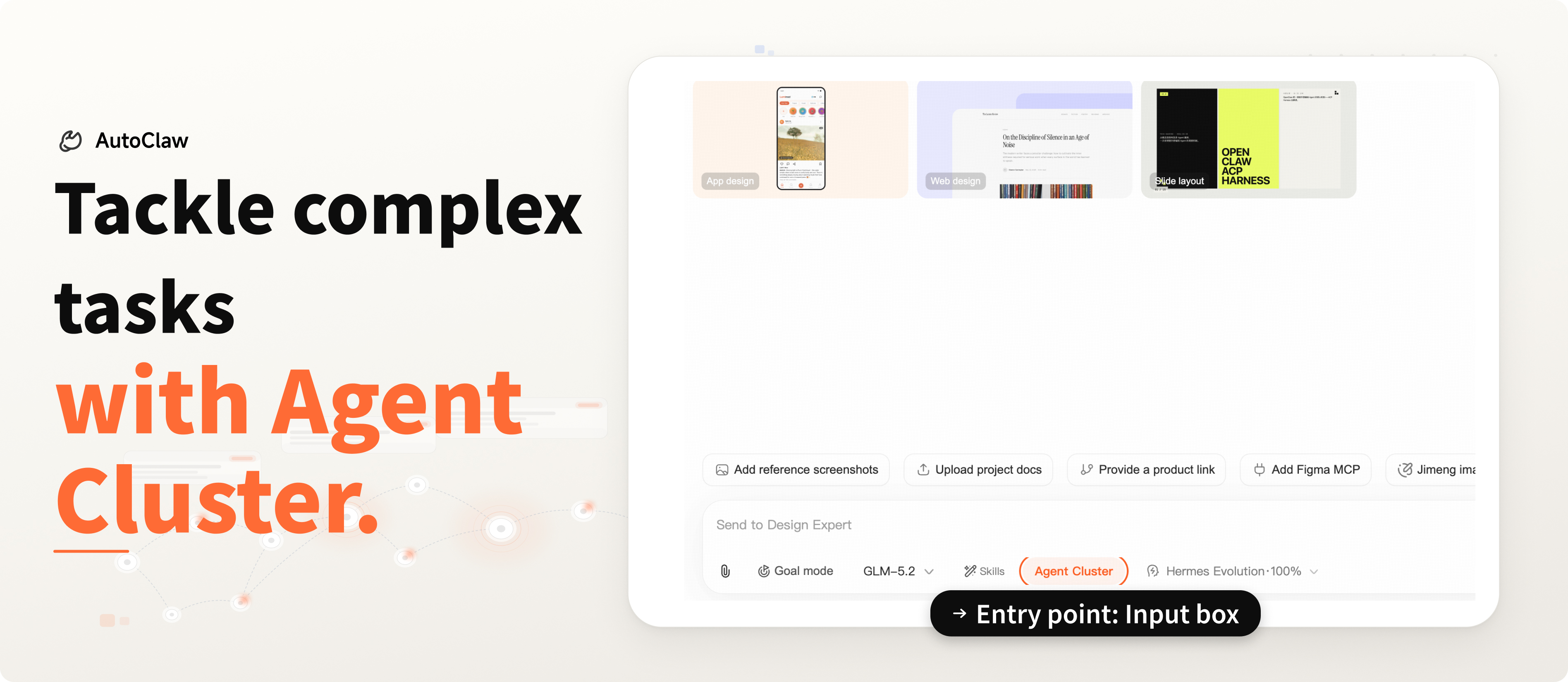
These types of tasks are better suited to AutoClaw Cluster Mode.
Once enabled, AutoClaw first understands your goal and breaks it down into a plan. It then brings in different roles based on the complexity of the task. Research, analysis, writing, and review are handled separately, with an additional quality check before delivery.
Standard Mode is like having one assistant respond quickly.
Cluster Mode is like having a small team collaborate around the same goal.
How Is It Different from Standard Mode?
A simple way to decide whether to enable Cluster Mode is to ask:
Do you need a polished, final result?
For a quick, casual question, Standard Mode is faster. When you need to complete a full piece of work, Cluster Mode is the better fit.
Scenario 1: Industry Research
The challenge of industry research is turning scattered information into a clear judgment.
When exploring a new sector, you usually need to look at market size, key players, recent developments, business models, and risk factors at the same time.
Cluster Mode can first create a research framework, then separately handle information retrieval, source filtering, structural analysis, and conclusion writing. When needed, a review role can check source reliability, data definitions, and the boundaries of the conclusions.
Suitable outputs: industry briefs, research reports, webpage reports, and slide deck outlines.
Scenario 2: Multi-Document Synthesis
When meeting notes, Feishu documents, PDFs, screenshots, and spreadsheets are all mixed together, the real challenge is removing duplicates, merging information, organizing it, and deciding what still requires follow-up.
Cluster Mode can first identify the role of each document, then extract key decisions, action items, owners, deadlines, risks, and open questions. It can then consolidate everything into a unified tracking table or project summary.
Suitable outputs: tracking tables, project summaries, decision lists, and to-do lists.
Scenario 3: Data Analysis
Data-related tasks need to be accurate in both calculation and interpretation.
Campaign data, sales spreadsheets, user feedback, and public financial data all require clear definitions, comparison dimensions, and trend analysis.
Cluster Mode can separate data cleaning and calculation, chart generation, conclusion interpretation, and result verification into different parts. For analysis reports used in presentations, this process can reduce definition errors and overinterpretation.
Suitable outputs: data analysis reports, trend charts, conclusion summaries, and review notes.
Scenario 4: Event Planning
Event planning involves the theme, agenda, budget, materials, contingency plans, promotional copy, and on-site execution. It is naturally suited to a collaborative workflow.
In Cluster Mode, a planning role can build the overall framework, a budgeting role can estimate costs, an execution role can break down the process and required materials, and a content role can prepare invitations, notification messages, and promotional copy. The final review can then check the timeline and potential risks.
Suitable outputs: event plans, budget sheets, execution checklists, and promotional copy packages.
Scenario 5: Content Production
A publish-ready piece of content usually goes through topic evaluation, research, structure development, drafting, headline optimization, visual recommendations, and publishing schedule planning.
Cluster Mode can begin with topic analysis, then generate the content structure. It can then separately handle the main draft, headline options, visual recommendations, and platform-specific adaptation. A review role can also check whether the wording stays aligned with the product’s messaging.
Suitable outputs: article drafts, headline options, platform-specific rewrites, visual recommendations, and publishing schedules.